Follow a show and get clips from every new episode, automatically
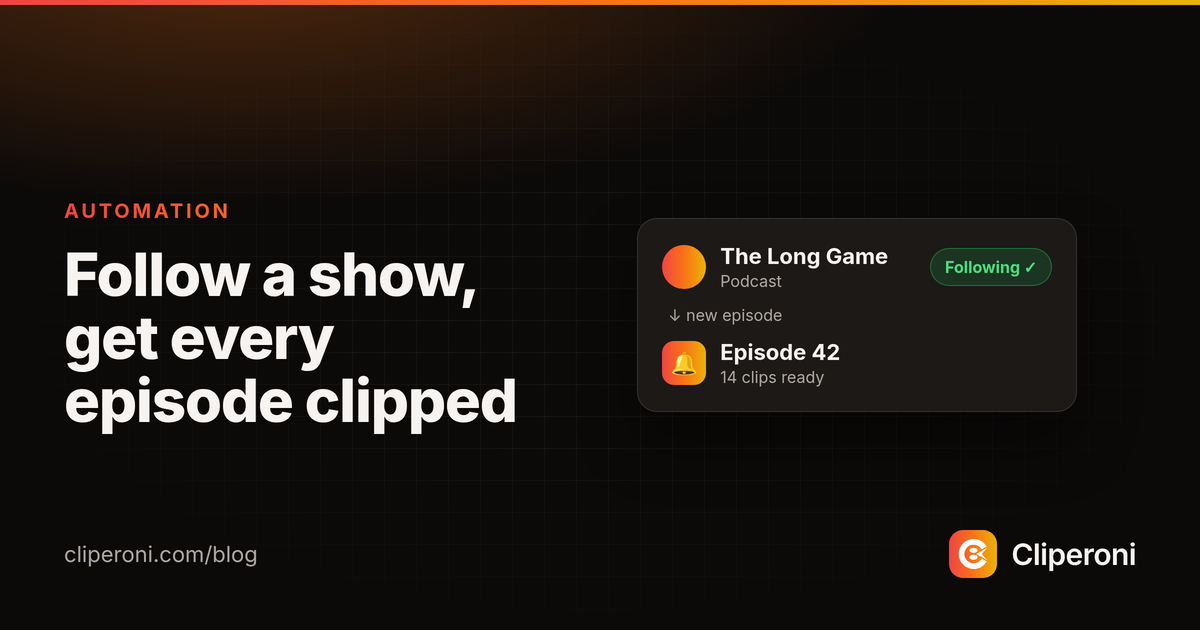
In short: Following a show in Cliperoni means every new episode is imported and turned into clips automatically the moment it publishes — and you get an email as soon as the first clip is ready to post. It turns clipping from a task you have to remember into something that just happens in the background.
Key takeaways
- Follow a show once, and Cliperoni watches it for new episodes and imports each one on its own.
- Every new episode is clipped automatically — no manual upload per release.
- You get an email the moment the first clip is ready; toggle it in Settings.
- It fixes the real problem with short-form: posting consistently, week after week.
What is Follow?
Follow is a setting that tells Cliperoni to keep watching a show and clip its new episodes for you. Instead of coming back to upload each release, you Follow the show once and Cliperoni handles the rest — importing every new episode as it goes live and running it through the same clip pipeline your manual uploads use.
How does auto-clipping a new episode work?
When a show you Follow publishes a new episode, Cliperoni imports it automatically and starts finding clips — you don't have to do anything. The episode is downloaded, transcribed, and scanned for the strongest moments, and the resulting clips land in your workspace ready to review. The next time you open Cliperoni, the work is already done.
How do you know when clips are ready?
Cliperoni emails you the moment the first clip from a new episode is ready to post. The email links straight to the clip so you can review, tweak, and publish it in a couple of taps. If you'd rather not get it, there's a toggle in Settings to turn the "your clip is ready" email off.
Why does this matter?
The hardest part of growing on short-form isn't making one good clip — it's posting consistently. Miss a week because you forgot to clip the new episode and the algorithm forgets you too. Following a show removes the step that usually breaks: the clips are waiting for you every time an episode drops, so staying consistent stops depending on you remembering.
Try it
Add a show you record regularly, hit Follow, and let your next episode clip itself.
Frequently asked questions
- What does Following a show do in Cliperoni?
- Following a show tells Cliperoni to watch that source for new episodes, import each one automatically when it goes live, and email you when the first clip is ready — so you never have to remember to upload it yourself.
- Do I have to upload each new episode myself?
- No. Once you Follow a show, new episodes are imported and clipped automatically as they publish. You only step in when you want to review, tweak, and post the clips.
- How do I know when clips are ready?
- Cliperoni emails you the moment the first clip from a new episode is ready to post. You can turn that email on or off in Settings.
- Is Follow good for consistency?
- Yes. Consistency is the hardest part of short-form, and Following turns 'remember to clip the new episode' into something that happens on its own, so your posting cadence doesn't depend on you catching every release.