Blog
Product news, clip-making tips, and the thinking behind Cliperoni.
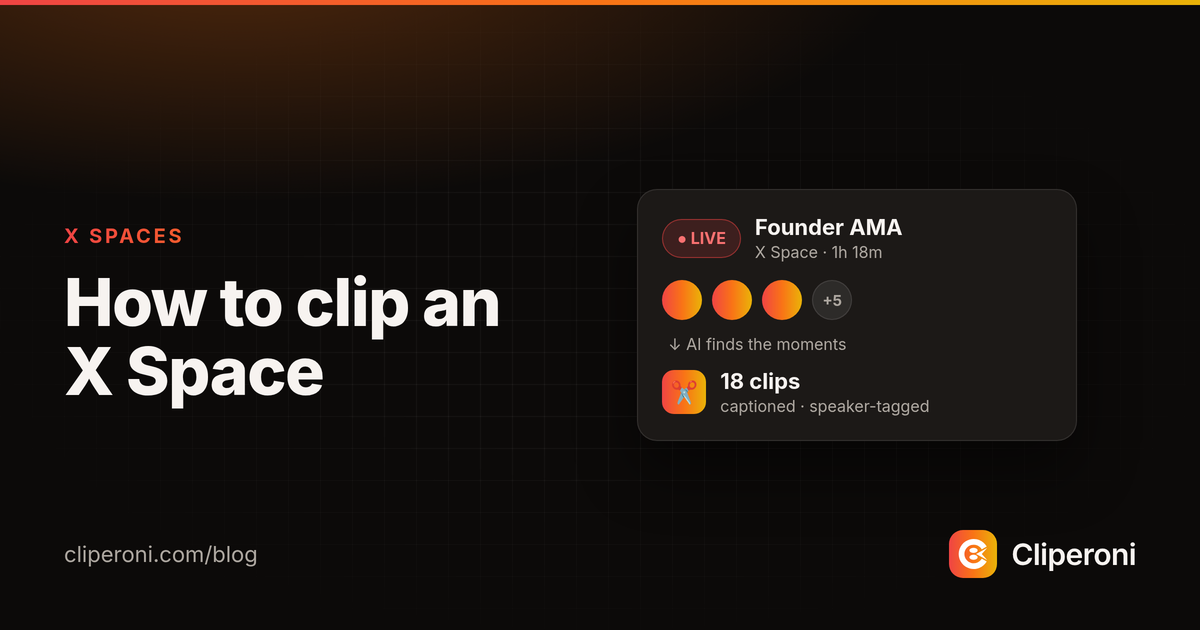
How to clip an X Space
To clip an X Space, paste the Space link into Cliperoni and its AI transcribes it, tags the speakers, and turns the best moments into captioned clips — for live or recorded Spaces.
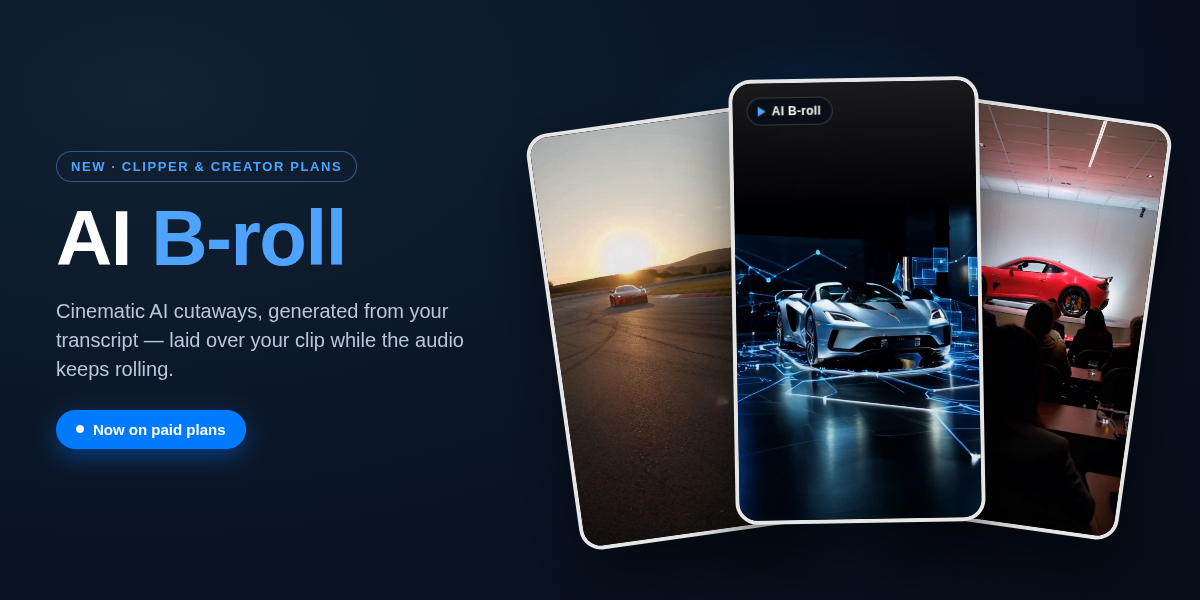
AI B-roll: cinematic cutaways for your clips, generated from your transcript
AI B-roll adds short, AI-generated video cutaways over your clip while the audio keeps playing. In Cliperoni it's generated from your transcript, free to suggest, pay-per-generation, and included on the Clipper and Creator plans.
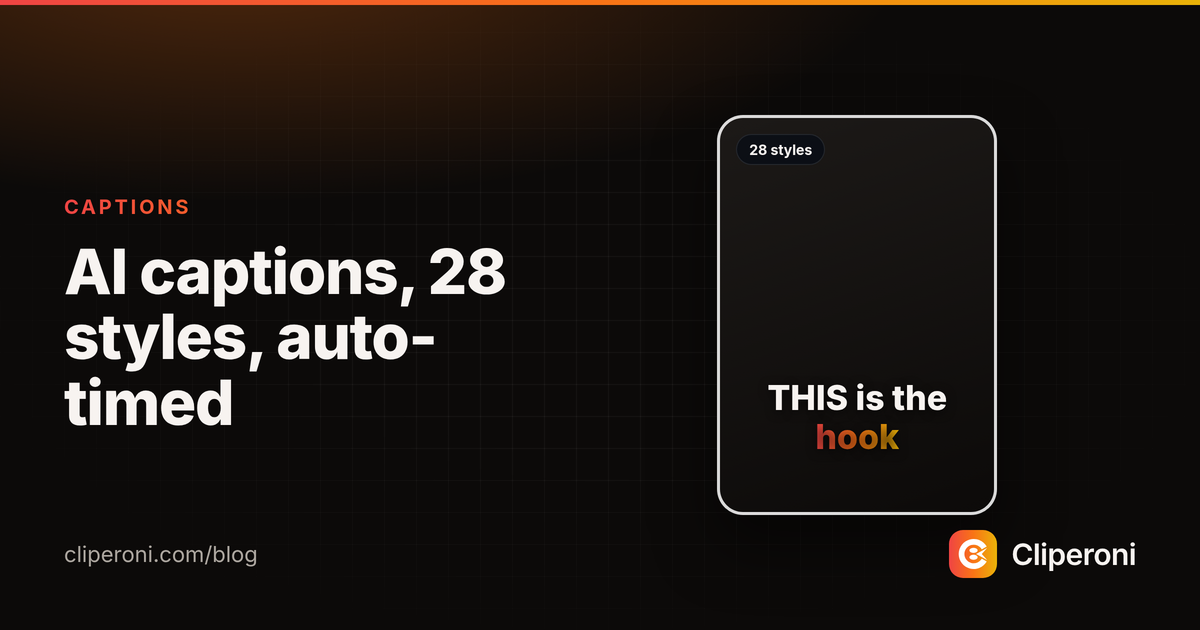
AI captions for short-form video: 28 styles, auto-timed to every word
Cliperoni auto-captions your clips with word-level timing and 28 animated styles — pick a look in one click, and the highlight lands on each word exactly as it's spoken.
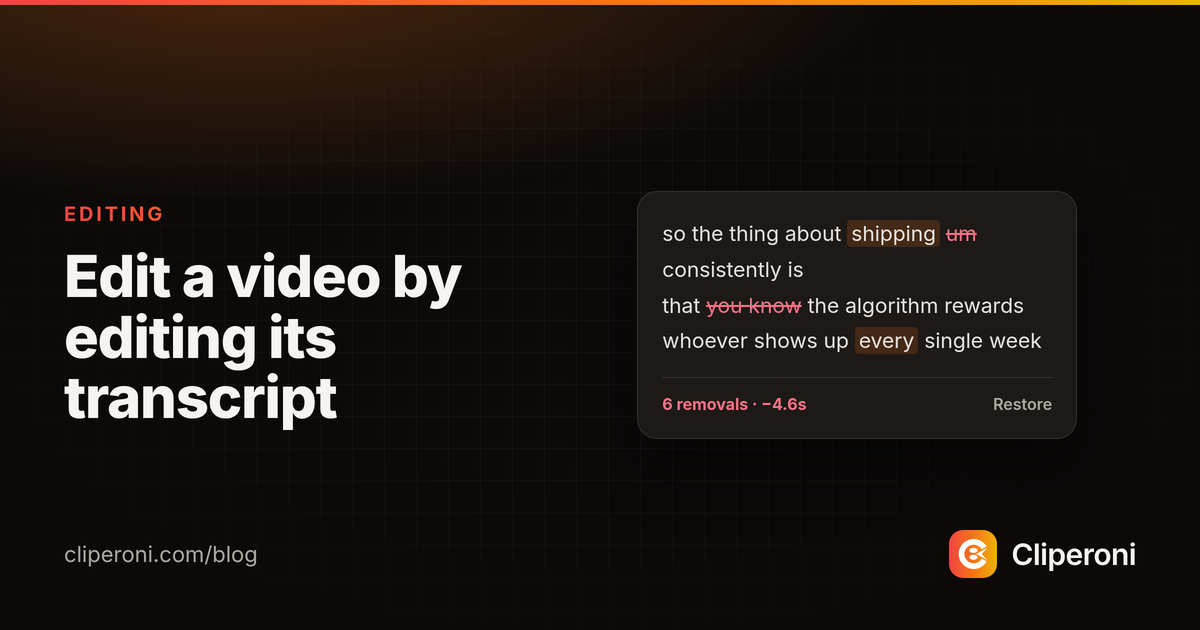
Edit a video by editing its transcript
Cliperoni lets you edit a clip by editing its transcript — delete a word or a whole 'um' from the text and the video skips right over it, with no timeline scrubbing.
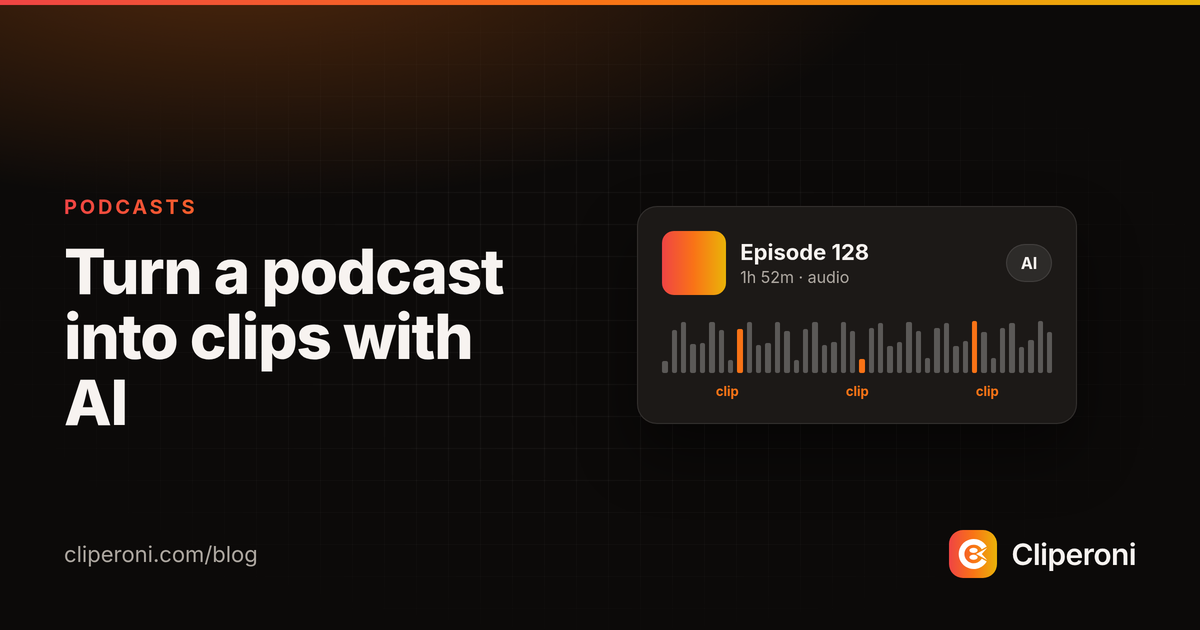
How to turn a podcast into clips with AI
To turn a podcast into clips, add the episode to Cliperoni and let AI find the best moments, caption them, and hand you social-ready clips — no manual scrubbing through hours of audio.
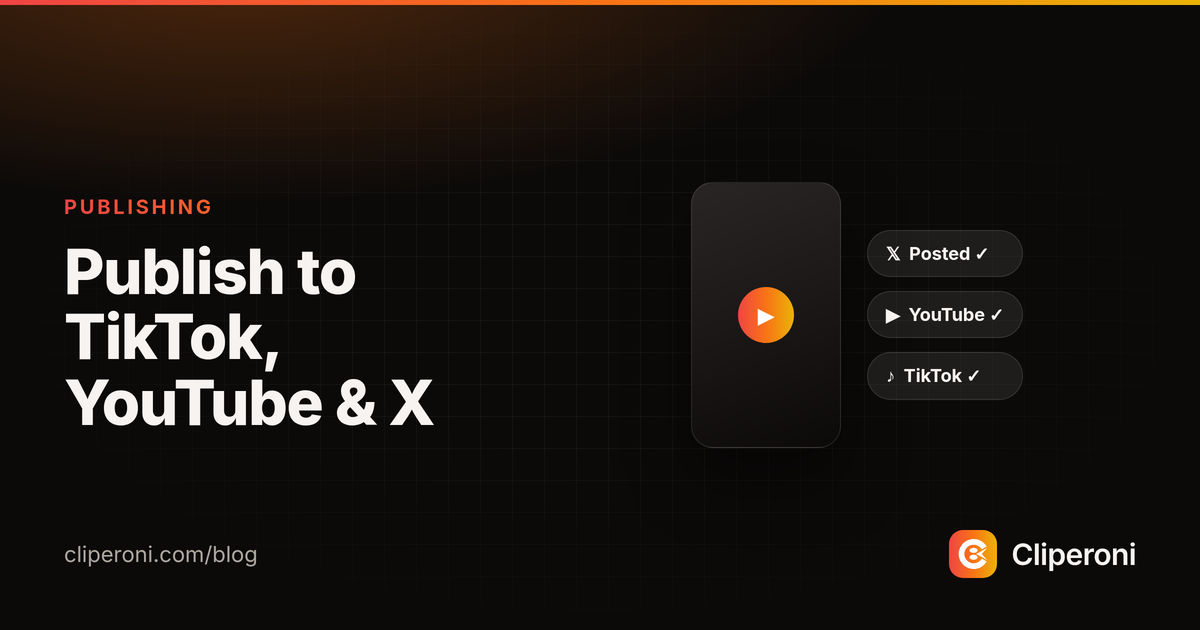
Publish clips to TikTok, YouTube, and X without leaving the app
Cliperoni publishes your finished clips straight to X, YouTube, and TikTok — with AI-drafted post text — so you go from clip to posted without downloading and re-uploading.
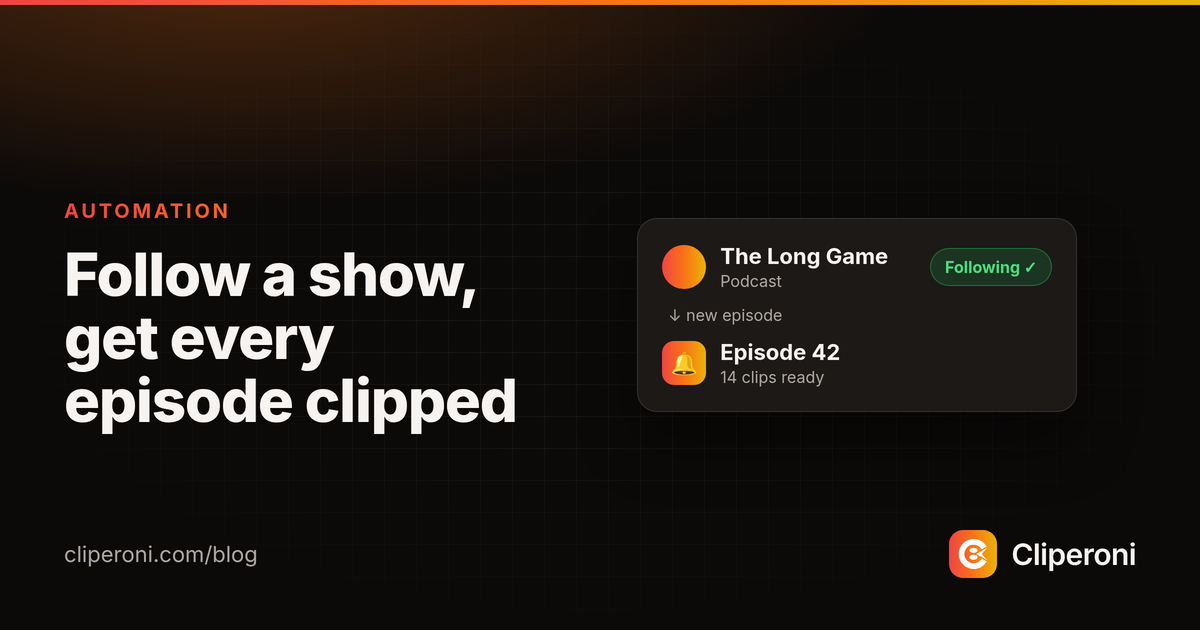
Follow a show and get clips from every new episode, automatically
Follow a podcast or show in Cliperoni and every new episode is imported and clipped automatically — with an email the moment your first clip is ready to post.