How to turn a YouTube video into Shorts
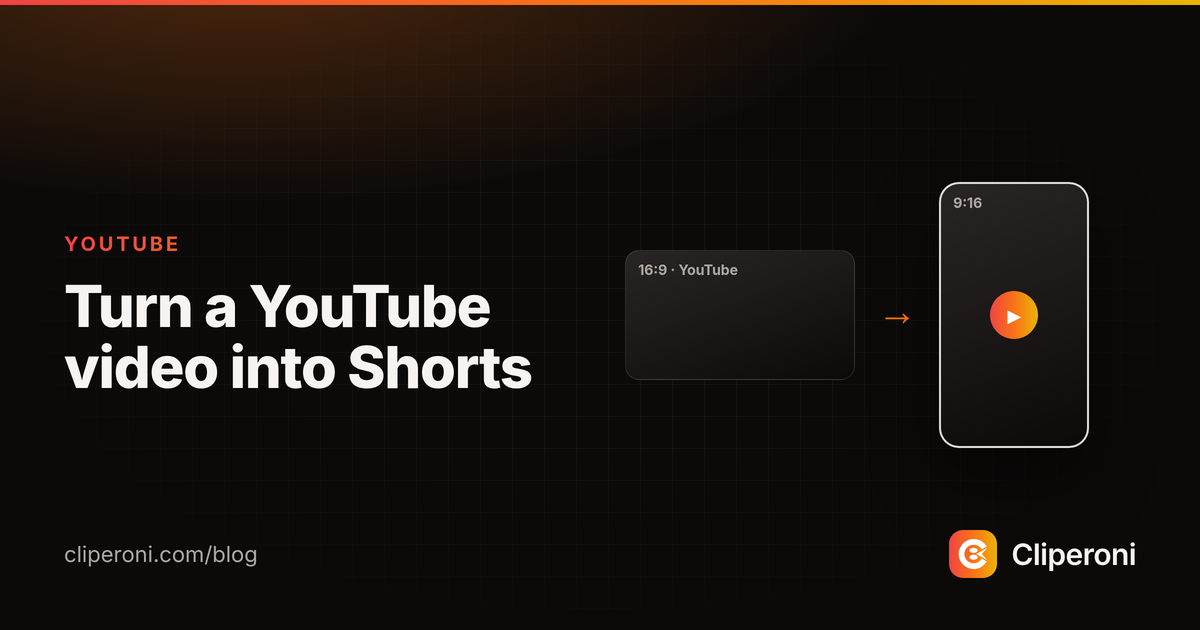
In short: To turn a YouTube video into Shorts, paste the video's URL into Cliperoni. Its AI finds the best moments, reframes them from 16:9 to vertical 9:16, adds captions, and hands you Shorts-ready clips — then publishes them straight to YouTube if you want. No editor required.
Key takeaways
- Paste a YouTube URL; Cliperoni does transcription, clipping, and reframing.
- Horizontal 16:9 is reframed to vertical 9:16 for Shorts, Reels, and TikTok.
- Captions are added automatically with word-level timing.
- Publish finished Shorts directly to YouTube, TikTok, and X.
How do you turn a YouTube video into Shorts?
You paste the YouTube video's URL into Cliperoni and let its AI find the moments. Cliperoni downloads the video, transcribes it, scans the transcript for the segments most likely to work as short-form, and turns each into a clip. From one long upload you get a batch of candidate Shorts to review — no scrubbing the timeline. The same steps work for audio: turn a podcast into clips.
Does it reframe horizontal video to vertical?
Yes — Cliperoni reframes a 16:9 YouTube video into 9:16 vertical clips sized for Shorts, Reels, and TikTok, keeping the subject in frame. A widescreen interview or tutorial comes out as a proper vertical short rather than a shrunken letterboxed clip, so it fills the screen on a phone.
Do the Shorts get captions?
Yes. Cliperoni adds captions automatically with word-level timing, so the text lands on each word as it's spoken. Captions are close to mandatory on Shorts — most people watch on mute — and Cliperoni styles them so you're not typing or timing anything by hand.
Can you publish straight to YouTube?
Yes. Once a Short is ready, you publish it directly from Cliperoni to YouTube — and to TikTok and X — without downloading and re-uploading. So the path from a long YouTube video to a posted Short stays inside one workflow.
Try it
Paste a YouTube link into Cliperoni and see how many Shorts come out of it.
Frequently asked questions
- How do I turn a YouTube video into Shorts?
- Paste the YouTube video's URL into Cliperoni. Its AI transcribes the video, finds the strongest moments, reframes them to vertical 9:16, adds captions, and hands you Shorts-ready clips.
- Does it reframe horizontal video to vertical?
- Yes. Cliperoni turns a 16:9 YouTube video into 9:16 vertical clips sized for Shorts, Reels, and TikTok, with the subject kept in frame.
- Can I publish straight to YouTube?
- Yes. Once a clip is ready, you can publish it directly from Cliperoni to YouTube, as well as TikTok and X.
- How many Shorts can I get from one video?
- It depends on the video's length and how many strong moments it contains, but a single long video typically yields many candidate clips — you keep the ones you want.