AI B-roll: cinematic cutaways for your clips, generated from your transcript
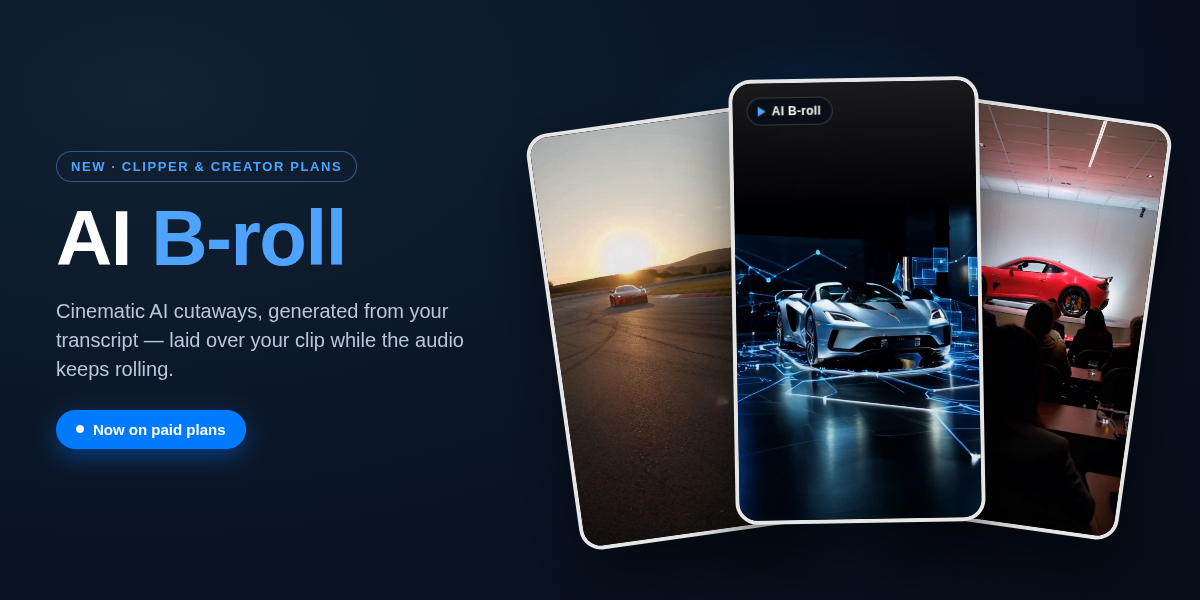
In short: AI B-roll is a short, AI-generated video cutaway that plays over your clip while the original audio keeps rolling. In Cliperoni, B-roll is generated from your clip's transcript — you don't write prompts. Suggesting cutaways is free; you only pay when you generate one. It's out of beta and included on the Clipper and Creator plans.
Key takeaways
- AI B-roll overlays generated video on a talking-head or audio clip to hold a viewer's attention, without cutting the audio.
- Cliperoni reads your transcript and suggests cutaways timed to what's said — no prompt writing required.
- Suggestions are free; generations are pay-as-you-go from a prepaid balance, or billed to your own fal.ai account with your API key.
- Available on the Clipper and Creator plans.
What is AI B-roll?
AI B-roll is supplementary footage, generated by an AI video model, that plays over the main shot of a video while the original audio continues. In short-form video it's the cutaway you see over a podcast clip or talking-head: the speaker keeps talking, and the screen shows something relevant and cinematic. Traditionally B-roll is filmed or licensed; AI B-roll generates it on demand from a text prompt or, in Cliperoni's case, from the clip's own transcript.
Why B-roll matters for short-form clips
The hardest part of clipping long-form audio and video isn't finding the good line — it's holding attention long enough for someone to hear it. A static talking head, or a waveform under a title card, only carries a viewer so far. B-roll keeps the eye moving, which is why nearly every high-retention short uses it. AI B-roll makes that technique available without a stock-footage subscription or a video editor.
How AI B-roll works in Cliperoni
You don't describe anything or write a prompt. The flow is:
- Open the B-roll tab in Studio on any clip.
- Click Suggest. Cliperoni reads the clip's transcript and proposes cutaways that match what's being said, timed to the right moments. Suggesting is free.
- Generate the ones you like. Each generation renders a short video for that moment. You can set how long a cutaway runs and pick the AI model.
- Place and adjust. Generated cutaways appear as a band along the bottom of the waveform, so you can see where each falls, click to jump to it, and tune its length.
How much does AI B-roll cost?
Suggestions are free. You only pay when you actually generate a cutaway, and you see the price before you spend anything:
- Generations draw from a simple prepaid balance you top up right in the B-roll tab.
- The first time you open the tab, a quick before/after shows what B-roll does and what a generation costs — before you spend a cent.
- If you already have a fal.ai account, paste your fal.ai API key and generations bill straight to your fal account at cost, instead of the prepaid balance.
Which plans include AI B-roll?
AI B-roll is included on the Clipper and Creator plans. It's out of closed beta as of September 2026. If you're on the free plan, this is the feature worth upgrading for — one good cutaway is often the difference between a clip people scroll past and one they finish.
Which AI video models can I use?
Cliperoni offers several AI video models in the B-roll model picker, including MiniMax H3 Max, so you can choose a different visual style per clip. Each model shows its cost per generation before you run it.
Try it on your next clip
The best way to understand AI B-roll is to watch it drop into one of your own clips. Open Studio, pick a clip, and hit Suggest in the B-roll tab — it's free to see what it comes up with.
Frequently asked questions
- What is AI B-roll?
- AI B-roll is short, AI-generated video that plays over your clip while the original audio keeps playing, used to hold a viewer's attention in short-form video.
- Do I have to write prompts to use it?
- No. Cliperoni generates B-roll suggestions from your clip's transcript, so you don't write prompts — you review suggestions and generate the ones you want.
- Is AI B-roll free?
- Suggesting cutaways is free. Generating a cutaway is pay-as-you-go from a prepaid balance, or billed to your own fal.ai account if you add an API key.
- Which Cliperoni plans include AI B-roll?
- AI B-roll is included on the Clipper and Creator plans.
- Can I use my own fal.ai account?
- Yes. Add your fal.ai API key in the B-roll tab and generations bill to your fal account at cost.