AI speaker intros: put the real speakers in your X Space clips
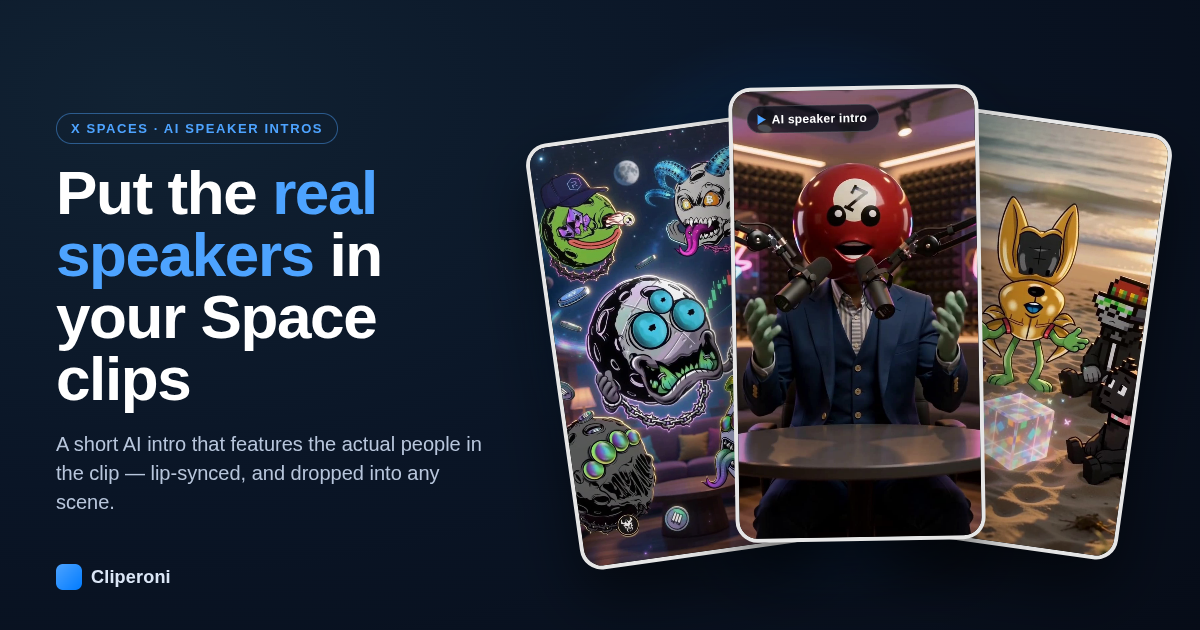
In short: An AI speaker intro is a short AI-generated clip that plays at the start of your X Space (Twitter Spaces) clip and features the actual speakers — Cliperoni turns each speaker's X profile picture into a lip-synced AI avatar, matched to the clip's own audio, and can drop them into any scene you describe. You don't write a prompt, and the Cliperoni bot can even add one automatically when you clip a Space on X.
Key takeaways
- Speaker intros open your clip with the real people in it, not stock lookalikes — generated from each speaker's profile picture.
- The intro is lip-synced to the clip's real speech, so the mouth matches the words.
- Pick a scene — podcast studio, on a beach, floating in space — or describe your own, and re-draft until it lands.
- Opt in and the Cliperoni X bot can reply to your Space mentions with a finished speaker-intro clip, no trip to Studio required.
- It's part of AI B-roll: free to set up, pay-per-generation, on the Clipper and Creator plans.
What is an AI speaker intro?
An AI speaker intro is a short cutaway at the very start of a clip that introduces the people talking. Instead of opening cold on a waveform or a title card, the clip opens on a few seconds of generated video that features the actual Space participants — recognizably them, because Cliperoni turns each person's X profile picture into an AI avatar. Their mouths move in time with the clip's real audio (the intro is lip-synced to the actual speech), so it reads as part of the conversation rather than a sticker pasted on top. It works the same whether you call it a Twitter Space or an X Space.
It's built on AI B-roll, but where B-roll illustrates what's being said, a speaker intro answers who's saying it — the single most useful thing to establish in the first two seconds of a clip from a live Space.
Which scenes can I put the speakers in?
A speaker intro can use any scene you like. Cliperoni drafts the intro for you, and you either pick a scene preset — a podcast studio, a beach, floating in space — or describe your own in plain language and re-draft. The speakers stay the same; only the setting around them changes.
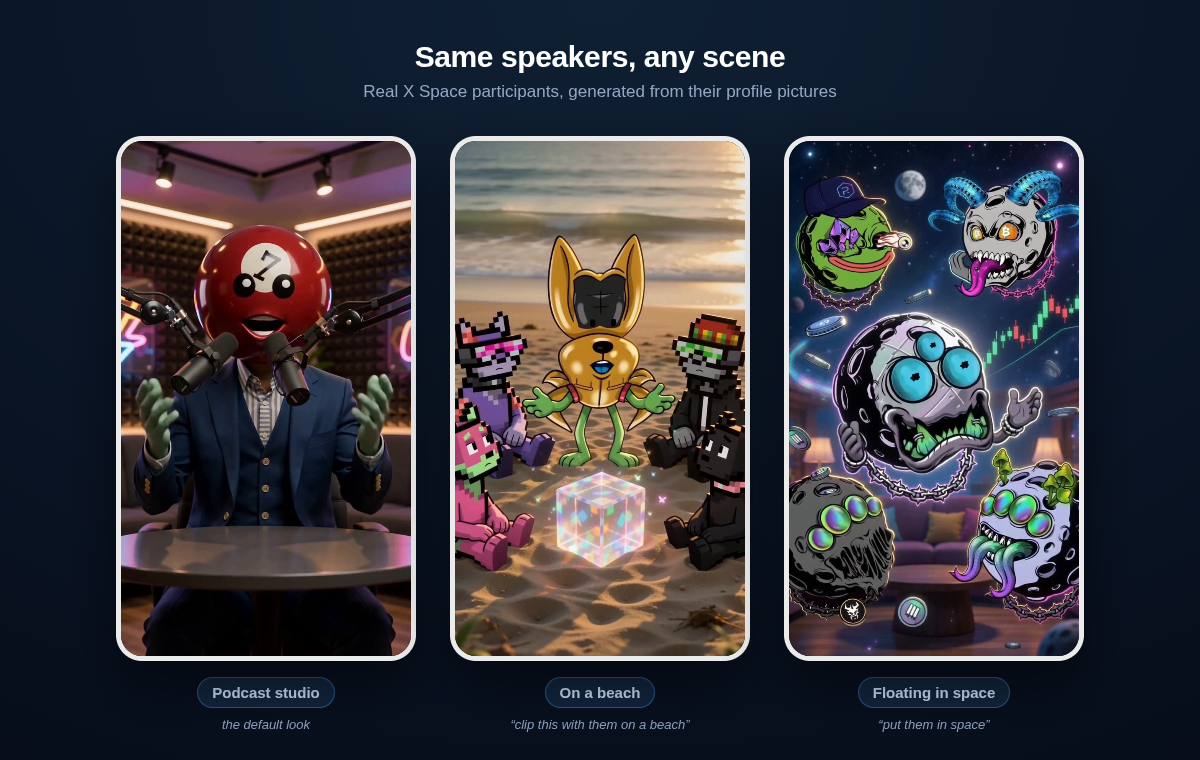
These are real AI speaker intros generated in Cliperoni from public X Spaces (the speakers here use meme and NFT profile pictures, so the intros feature those avatars). See them in motion:
- ▶ Podcast studio — a crypto markets Space
- ▶ On a beach — "clip this with them on a beach"
- ▶ Floating in space — a memecoin Space
How to add a speaker intro to an X Space clip
- Open a Space clip in Studio and go to the B-roll tab.
- Add the speaker intro. Cliperoni identifies the speakers, pulls their profile pictures, and drafts an intro pinned to the start of the clip.
- Pick a scene — a podcast studio, a beach, space, a lounge — or type your own and hit re-draft to rewrite the prompt around it.
- Generate. The intro renders as a short lip-synced clip and drops onto the front of your composition, over the top of everything else, while your audio keeps rolling.
You never write the prompt from scratch — you steer it.
Can the Cliperoni bot add speaker intros automatically?
Yes. If you clip Spaces by mentioning @cliperonibot on X, you can opt in to have the bot reply with a finished speaker-intro clip automatically — no trip to Studio. Automatic speaker intros are off by default and capped at a few a day, so they stay a nice touch on your best clips rather than something that fires on every mention.
Why do speaker intros work for short-form clips?
Speaker intros work because the first two seconds of a clip decide whether anyone watches the rest. For a clip pulled from a live audio Space, the hardest thing to establish fast is simply who is talking — there's no video to show it. An AI speaker intro solves that in the opening beat: viewers see the accounts they follow, rendered with personality, before the point even lands. It's the audio-native version of the face-cam cold open that high-retention shorts rely on. On a marathon Space with hundreds of clips to post, save intros for your best ones.
What does it cost, and which plans have it?
Speaker intros are part of AI B-roll, so the pricing is the same: setting one up is free, and you only pay when you generate. Generations draw from a simple prepaid balance, or bill to your own fal.ai account if you add an API key. Because intros feature real likenesses, they use a reference-capable AI video model. AI B-roll — speaker intros included — is available on the Clipper and Creator plans.
Try it on your next Space clip
The best way to get it is to watch your own guests walk on screen. Clip an X Space, open the B-roll tab, and add a speaker intro — setting it up is free.
Frequently asked questions
- What is an AI speaker intro?
- It's a short AI-generated intro clip added to the front of your X Space clip that features the actual speakers, built from their X profile pictures, lip-synced to the clip's own audio.
- Do I have to write a prompt?
- No. Cliperoni drafts the intro from the clip and the speakers automatically. You can pick a scene preset — like a podcast studio, a beach, or space — or describe your own, then re-draft.
- Which clips can use speaker intros?
- Clips from X Spaces, where Cliperoni knows who the speakers are and can pull their profile pictures. It uses a reference-capable AI video model so the intro can feature real likenesses.
- Can the Cliperoni bot add intros automatically on X?
- Yes. You can opt in so the bot replies to your mentions with a speaker-intro clip, capped at a few per day. It's off by default.
- How much does it cost?
- Speaker intros are part of AI B-roll. Setting one up is free; you pay per generation from a prepaid balance or your own fal.ai key. B-roll is included on the Clipper and Creator plans.
- Does it work with Twitter Spaces?
- Yes. Twitter Spaces are now called X Spaces, and AI speaker intros work on any Space clip where Cliperoni knows the speakers and can pull their profile pictures.