Let your AI agent do the clipping: use Cliperoni from Claude, ChatGPT, Muse and more
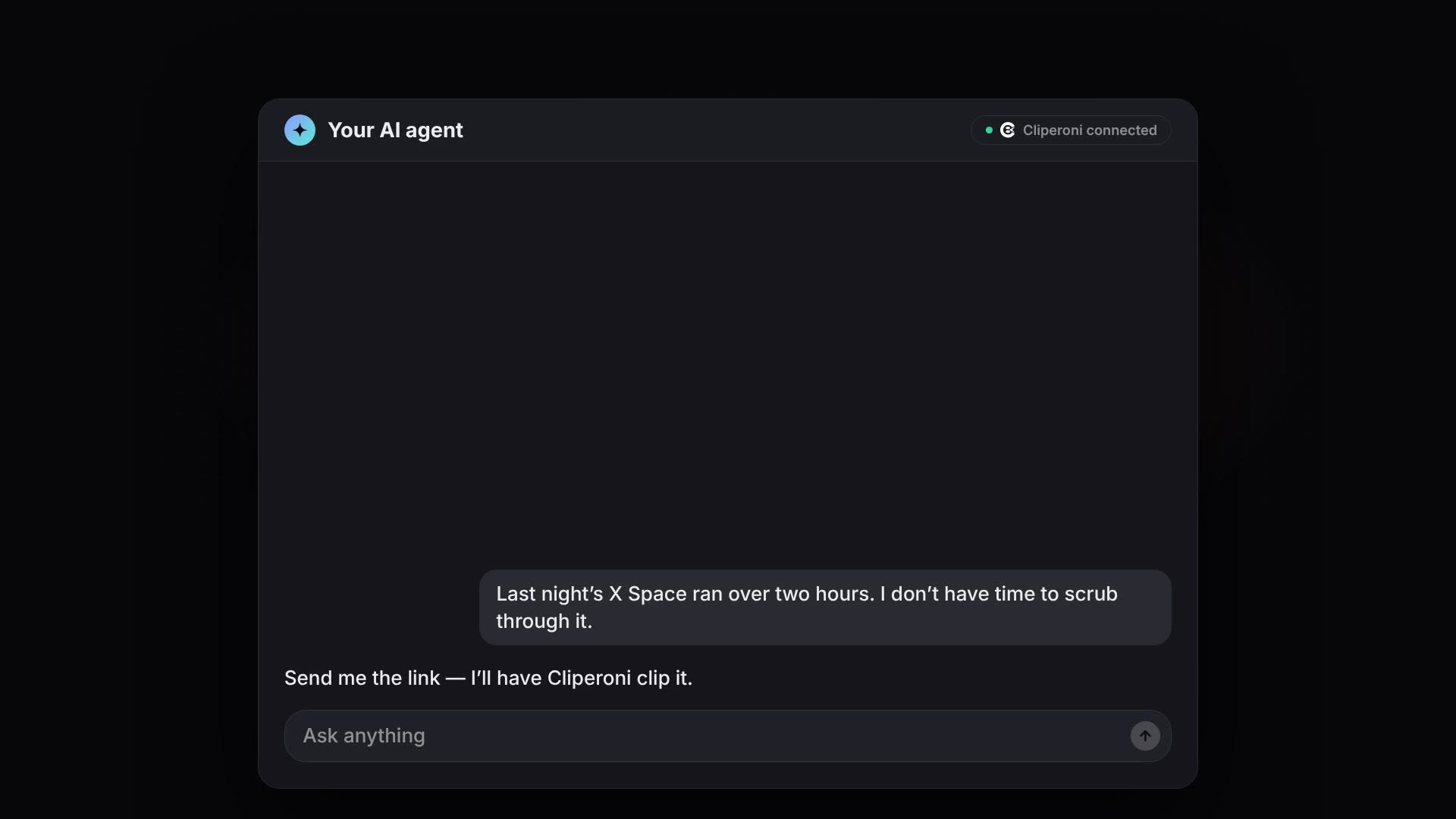
In short: You can now let your AI agent do your clipping. Connect Cliperoni to the agent you already use (Claude, ChatGPT, Meta Muse, Cursor or any MCP client), then just ask: "clip the best moments from this episode." Cliperoni does the legwork of transcribing, finding the strongest moments and turning them into captioned clips. Your agent brings the results back into the chat.
Key takeaways
- Cliperoni works from inside your AI agent through its MCP server at
https://api.cliperoni.com/mcp. - You ask in plain language; Cliperoni finds the moments and builds the clips.
- Your agent can focus the clipping on a topic, read summaries and transcripts, and compare clips for you.
- Every result links straight into Cliperoni, where you preview, tweak and publish.
What does it mean to let your AI agent do the clipping?
Letting your AI agent do the clipping means you never leave the chat you're already working in. Instead of opening an editor, you hand your agent a link and say what you want. The agent calls Cliperoni, Cliperoni does the actual production work, and the finished clips come back to the conversation with their quotes.
That's a new kind of workflow. Most people use their agent to write, research or plan. With Cliperoni connected, the same agent can now delegate real creative production, clipping a two-hour podcast or X Space into short-form video, and report back like a teammate would.
How does Cliperoni work with an AI agent?
Cliperoni works with AI agents through the Model Context Protocol (MCP), an open standard that lets an agent use outside tools. When you ask for clips, your agent:
- Submits the link to Cliperoni, optionally with a topic to focus on ("the parts about pricing").
- Checks on progress while Cliperoni transcribes the recording and scores it for the strongest moments.
- Lists the clips Cliperoni found, each with the quote it's built around and why it was picked.
- Answers your follow-ups, like "which one is best for X?", using those quotes and reasons.
Cliperoni handles the heavy lifting the agent can't: the transcription, the highlight detection and the clip production. The agent handles the conversation.
How do I connect Cliperoni to my AI agent?
Connecting Cliperoni to an AI agent takes about a minute:
- In Cliperoni, open Settings → Workspace → Integrations and copy the MCP
server URL:
https://api.cliperoni.com/mcp. - In your agent, add a custom connector (some agents call it an MCP server or an integration) and paste that URL.
- Sign in to Cliperoni when prompted and approve access.
That's it. Your agent now has Cliperoni as a tool. For a Claude-specific walkthrough, see how to make clips from Claude with Cliperoni's MCP server.
Which AI agents work with Cliperoni?
Cliperoni works with any AI agent that supports custom MCP connectors, including Claude, ChatGPT, Meta Muse and Cursor. Because MCP is an open standard, new agents that add MCP support can use Cliperoni the same way.
In ChatGPT, custom MCP connectors are available on Business, Enterprise and Edu plans as of October 2026 (OpenAI's guide).
What can I ask my agent to do with Cliperoni?
Ask your agent in plain language. A few prompts that work well:
- "Clip the best moments from this episode: [link]"
- "Clip this X Space and focus on the parts about creator advice."
- "Summarize my latest upload and show me its highlights."
- "List the clips from my last podcast with their quotes."
- "Which of those clips would do best on X, and why?"
- "Pull up the transcript for that episode."
How do I publish the clips?
You publish from Cliperoni. Every clip your agent shows you links straight to it in Cliperoni, where you can preview it, adjust the design and publish to TikTok, YouTube or X in a tap. Your agent finds and builds; you stay in control of what goes out.
FAQ
Can I use Cliperoni from inside my AI agent? Yes. Any AI agent that supports custom MCP connectors (Claude, ChatGPT, Meta Muse, Cursor and others) can ask Cliperoni to clip a link and get the results back in the chat.
What is the Cliperoni MCP server URL?
https://api.cliperoni.com/mcp. It's also in the Cliperoni app under
Settings → Workspace → Integrations.
Does my agent post the clips for me? Not yet. Your agent finds and builds the clips with Cliperoni and hands you links. You preview, tweak and publish from Cliperoni.
Which plan do I need? See the pricing page for which plans include the MCP integration.
Frequently asked questions
- Can I use Cliperoni from inside my AI agent?
- Yes. Cliperoni has an MCP server, so any AI agent that supports custom MCP connectors (Claude, ChatGPT, Meta Muse, Cursor and others) can ask Cliperoni to clip a link and get the results back in the chat.
- What is the Cliperoni MCP server URL?
- The Cliperoni MCP server URL is https://api.cliperoni.com/mcp. You'll also find it in the Cliperoni app under Settings → Workspace → Integrations.
- What can my agent ask Cliperoni to do?
- Your agent can submit a podcast, YouTube video or X Space link for clipping (optionally focused on a topic), check progress, read the summary, highlights and transcript, and list your clips with their quotes and links.
- Does my agent post the clips for me?
- Not yet. Your agent finds and builds the clips with Cliperoni and hands you links; you preview, tweak and publish from Cliperoni in a tap.
- Which plan do I need?
- See the Cliperoni pricing page for which plans include the MCP integration.