How to make clips from Claude with Cliperoni's MCP server
New: Cliperoni now works from any AI agent that supports MCP connectors (Claude, ChatGPT, Meta Muse, Cursor and more). See Let your AI agent do the clipping.
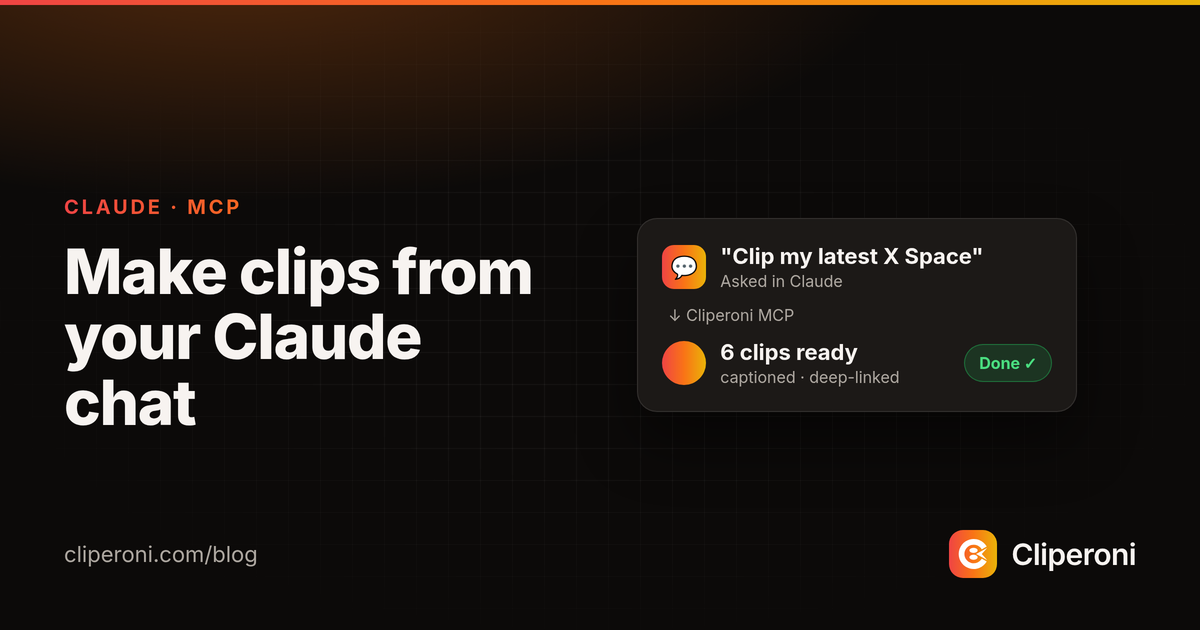
In short: Cliperoni's MCP server lets you drive Cliperoni from inside Claude. Connect it once from Settings → Workspace → Integrations, then ask Claude in plain language to list your media, read a transcript or summary, or submit a podcast or X Space URL to be clipped — and it hands back deep links to the finished, captioned clips in Cliperoni. It works with any MCP-aware assistant and is included on the Creator plan.
Key takeaways
- The MCP server turns Claude into a front end for your Cliperoni workspace — no tab-switching, no copy-paste.
- Setup is one paste and a browser consent: add
https://api.cliperoni.com/mcpas a custom connector in Claude Desktop. - Six tools let you list and read media, transcripts, summaries, and clips, and submit new URLs for clipping — optionally biased toward a topic.
- Every result includes a deep link back into Cliperoni, so a clip is one click from download or publishing.
- It's an open standard (MCP), so other MCP-aware assistants can connect too; it's included on the Creator plan.
What is the Cliperoni MCP server?
The Cliperoni MCP server is a Model Context Protocol endpoint that lets Claude — and other MCP-aware assistants — query your Cliperoni workspace and start new clipping jobs from inside a conversation. MCP (Model Context Protocol) is an open standard for connecting AI assistants to external tools and data; Cliperoni implements it so your media library, transcripts, summaries, AI-identified highlights, and clips are all things you can ask an assistant about directly.
Instead of opening the Cliperoni app to check what's ready or to kick off a new clip, you ask Claude — and Claude calls Cliperoni for you.
How do you connect Cliperoni to Claude?
Connect Cliperoni to Claude in three steps from the app's Integrations panel:
- In Cliperoni, open Settings → Workspace → Integrations and copy the
remote MCP URL:
https://api.cliperoni.com/mcp. - In Claude Desktop, add it as a custom connector (the Integrations panel has a short 4-step walkthrough).
- Approve the one-time browser consent. Cliperoni uses OAuth, so there's no API key to paste — you log in, pick the workspace to share, and click Allow.
That's it. Claude now has a cliperoni connector and can call its tools on your
behalf. If you run multiple workspaces, the consent screen lets you choose which
one to connect.
Prefer a local, single-user setup? Cliperoni also ships a local (stdio) connector that authenticates with a personal API key from Settings → Workspace → API Keys — handy for a personal Claude Desktop config on one machine.
What can you ask Claude to do?
Once connected, you can ask Claude in plain language and it maps your request to one of Cliperoni's six tools:
- "What have I uploaded recently?" — lists your media.
- "Summarize my latest episode and show me its highlights." — returns the summary plus AI-identified highlights, each with the quote and why it was picked.
- "Show me the transcript for that media." — returns time-coded transcript segments.
- "List the clips from my last X Space." — lists clips, optionally scoped to one media.
- "Clip this podcast and focus on the parts about pricing." — submits the URL for ingest and biases highlight selection toward your topic.
Every response embeds a webUrl deep link to the exact media or clip in
Cliperoni, so clicking a result in Claude opens the right page — ready to
fine-tune, download, or publish to TikTok, YouTube, and X.
Can you make clips from a podcast or X Space this way?
Yes — submitting a URL for clipping is a first-class tool. Ask Claude to clip a
podcast episode, a YouTube video, or a recorded X Space, and it calls Cliperoni's
create_media tool with that URL. Cliperoni transcribes the source, scores it
for the strongest moments, and produces captioned clips — the same pipeline as
the app — while Claude reports back with links. You can steer it by adding a
topic ("focus on the AI-agents section"), which biases which highlights get
turned into clips.
Does it work with ChatGPT and other AI tools?
MCP is an open standard, so any MCP-compatible client can connect to the same
https://api.cliperoni.com/mcp endpoint. Cliperoni's guided setup targets
Claude (Desktop, Claude Code, and claude.ai) today, and the connector shows
Cliperoni's name and icon so it's easy to recognize. As more assistants add
support for remote MCP connectors, they can point at the same endpoint without
any change on Cliperoni's side.
In ChatGPT, custom MCP connectors are available on Business, Enterprise and Edu plans as of October 2026 (OpenAI's guide).
Which plans include the MCP server?
The MCP server and API access are included on the Creator plan. Free and Clipper accounts can open the Integrations panel and see how it works, but the tabs are dimmed behind an upgrade prompt until the workspace is on Creator. Once you're on Creator, both the remote (OAuth) and local (API key) connectors are available.
Try it
Connect Cliperoni to Claude and clip your next episode without leaving the chat.
Frequently asked questions
- What is the Cliperoni MCP server?
- The Cliperoni MCP server is a Model Context Protocol endpoint that lets Claude and other MCP-aware assistants read your Cliperoni workspace — media, clips, transcripts, summaries, and AI-identified highlights — and submit new URLs for clipping, all from inside a chat.
- How do I connect Cliperoni to Claude?
- In Cliperoni, open Settings → Workspace → Integrations, copy the remote MCP URL (https://api.cliperoni.com/mcp), and add it as a custom connector in Claude Desktop. A one-time browser consent (OAuth) links your workspace — no API key to paste.
- Can I make clips from a podcast or X Space by asking Claude?
- Yes. Once connected, you can ask Claude to submit a podcast, YouTube, or X Space URL to Cliperoni for clipping, and even bias the highlights toward a topic — Claude calls the create_media tool and returns deep links to the clips in Cliperoni.
- Does the MCP server work with ChatGPT and other AI tools?
- MCP is an open standard, so any MCP-compatible client can connect to the same endpoint. Claude Desktop, Claude Code, and claude.ai are first-class today, with a guided setup walkthrough in Cliperoni's Integrations panel.
- Which Cliperoni plan includes the MCP server?
- The MCP server and API access are included on the Creator plan. Free and Clipper accounts can see the Integrations panel but get an upgrade prompt until they move to Creator.